
Year 6 computing: what your child learns
Year 6 is the last year of primary school, and children aged 10 and 11 work like developers. They build an interactive world in JavaScript, design and publish their own website in HTML and CSS, trace what really happens when you type a web address, use spreadsheets and charts to judge evidence, make a short video safely, and put the work they are proudest of into a portfolio ready for secondary school.
The free games need no account. The full platform is £15 a month for up to two children after 7 days free.
The six Year 6 coding courses
Each course is a set of short, step-by-step lessons your child works through at their own pace. This is what each one covers.
1.Code Like a Pro
Type real JavaScript in p5.js to build one interactive world: reusable functions with parameters, animation, mouse and keyboard events, and stored state.
- Functions and parameters
- Events
- State
- Refactoring
The 6 lessons
- Re-enter the P5 Studio
- Build Reusable Objects
- Make the World Move
- Make It Interactive
- Give It Logic and State
- Code Like a Pro
2.Build for the Web
Write HTML and CSS to build a multi-section website with images and alt text, links and a navigation bar, then publish it to the pupil's profile.
- HTML
- CSS
- Accessibility (alt text)
The 6 lessons
- Meet the Web
- Build Your First Page
- Style It With CSS
- Add Images, Links and Sections
- Design a Full Website
- Publish Your Final Website
3.Become a Stock Market Analyst
Research real companies, tell evidence from opinion, build a virtual portfolio with simulation money, track it in a spreadsheet, chart it and present a report. No real money is used.
- Evidence and opinion
- Spreadsheets
- Choosing the right chart
The 6 lessons
- Enter the Market District
- Research Before You Invest
- Build Your Portfolio
- Track the Data
- Visualise and Interpret
- The Analyst Presentation
4.Understand How the Web Really Works
Trace a web address through DNS, networks, requests and responses, then repair the HTML, CSS and JavaScript that build the page in the browser.
- URLs and DNS
- Requests and responses
- Browsers
The 6 lessons
- Return to the Network
- What Happens When You Enter a URL?
- The Request and Response Relay
- Build the Page in Your Browser
- Debug the Web
- Restore the Web
5.Make, Record, Publish
Build and animate a 3D presenter, plan a short video, record it inside the platform, write narration for an approved computer voice and edit the final cut.
- Keyframes
- Planning media
- Editing
The 6 lessons
- Build Your Presenter
- Animate Your Presenter
- Plan Your Video
- Record Your Footage
- Write & Create Your Voiceover
- Edit, Polish & Publish
6.Launch Your Portfolio
Choose real projects, explain how they were made, build and test a personal portfolio page without personal information, and launch it privately.
- Reflection
- Web design
- Privacy
The 6 lessons
- Meet Your Work
- Tell the Story
- Build Your Portfolio
- Make It Yours
- Polish & Test
- Launch Your Portfolio
Words your child will meet in Year 6
If your child comes home using these words, this is what they mean.
- Parameter
- A value you hand to a function so the same code can draw a big tree or a small one.
- Event
- Something that happens, such as a click or a key press, that code can react to.
- Refactor
- Tidy code so it is easier to read without changing what it does.
- Alt text
- A short description of an image, read aloud to people who cannot see it.
- Request and response
- The browser asks a server for a page; the server sends the files back.
- Percentage change
- How much something went up or down compared with where it started.
What the National Curriculum asks for
England's computing curriculum is written for each key stage, not each year. Year 6 is in Key Stage 2 (Years 3 to 6), and each school decides what to teach in which year, so your child's class may cover these topics in a different order. The Year 6 courses above support these statements:
- “Design, write and debug programs that accomplish specific goals, including controlling or simulating physical systems; solve problems by decomposing them into smaller parts”
- “Use sequence, selection, and repetition in programs; work with variables and various forms of input and output”
- “Use logical reasoning to explain how some simple algorithms work and to detect and correct errors in algorithms and programs”
- “Understand computer networks, including the internet; how they can provide multiple services, such as the World Wide Web, and the opportunities they offer for communication and collaboration”
- “Use search technologies effectively, appreciate how results are selected and ranked, and be discerning in evaluating digital content”
- “Select, use and combine a variety of software (including internet services) on a range of digital devices to design and create a range of programs, systems and content that accomplish given goals, including collecting, analysing, evaluating and presenting data and information”
- “Use technology safely, respectfully and responsibly; recognise acceptable/unacceptable behaviour; identify a range of ways to report concerns about content and contact”
Free to try now, no account
These free games practise ideas from Year 6. They run in the browser with nothing to install.
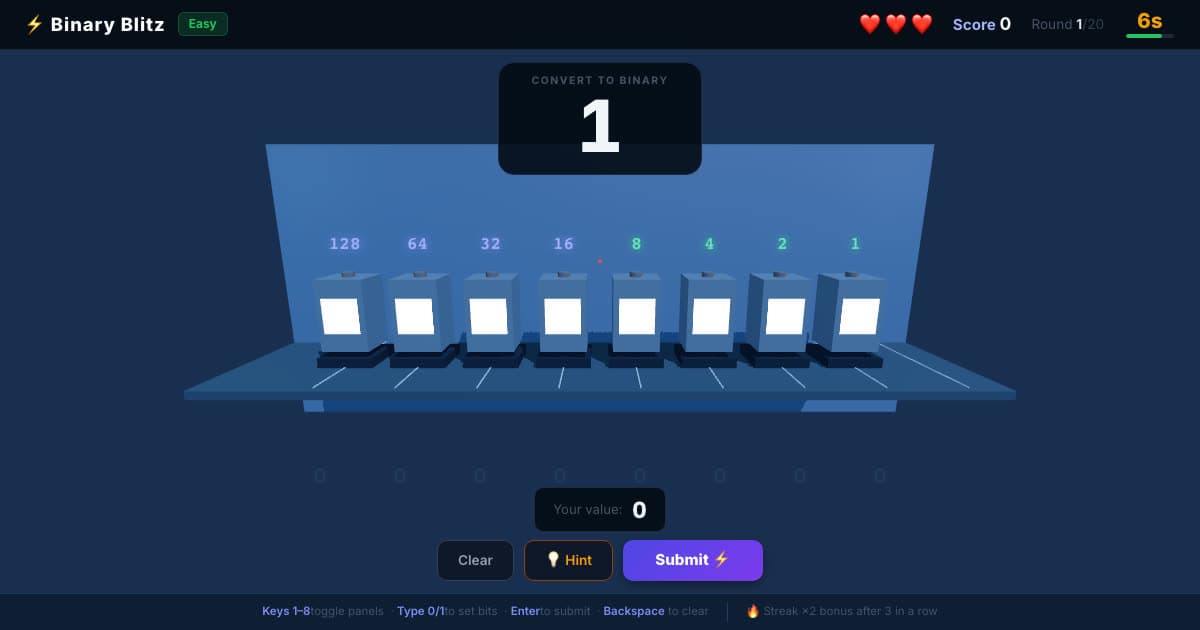
💡 Binary Blitz
Flip switches worth 128 to 1 to build each number in binary.
Ages 8–12
♟️ Chess
Play the computer at five levels, from Beginner to Expert.
Ages 7–12
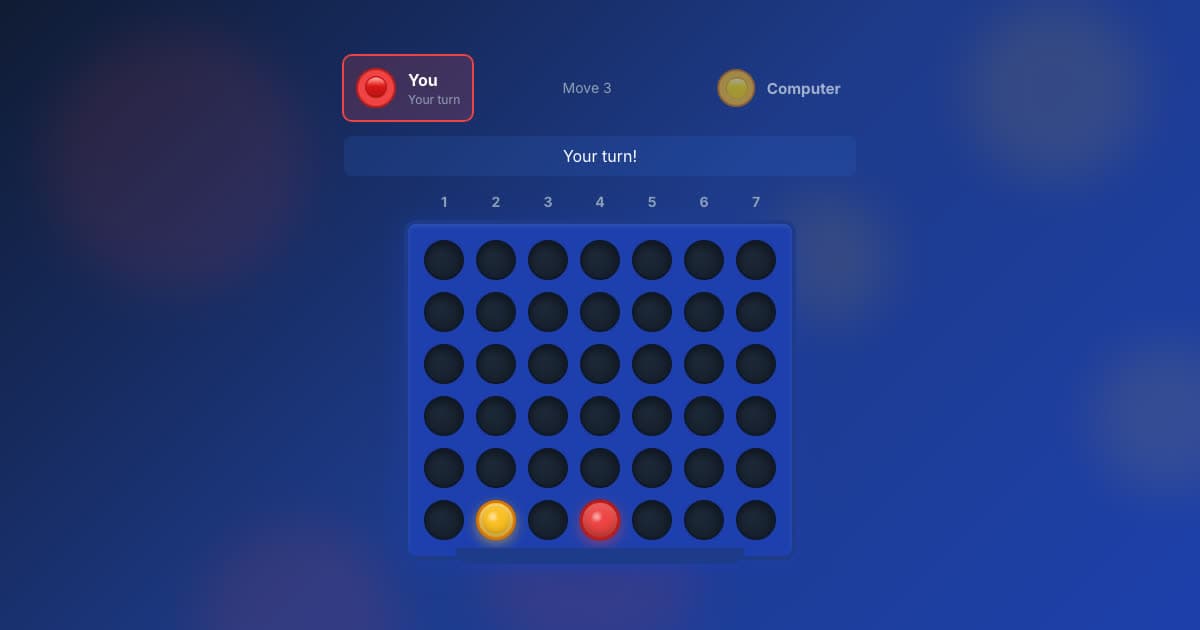
🔴 Four in a Row
Line up four before the computer does, at five levels.
Ages 7–12
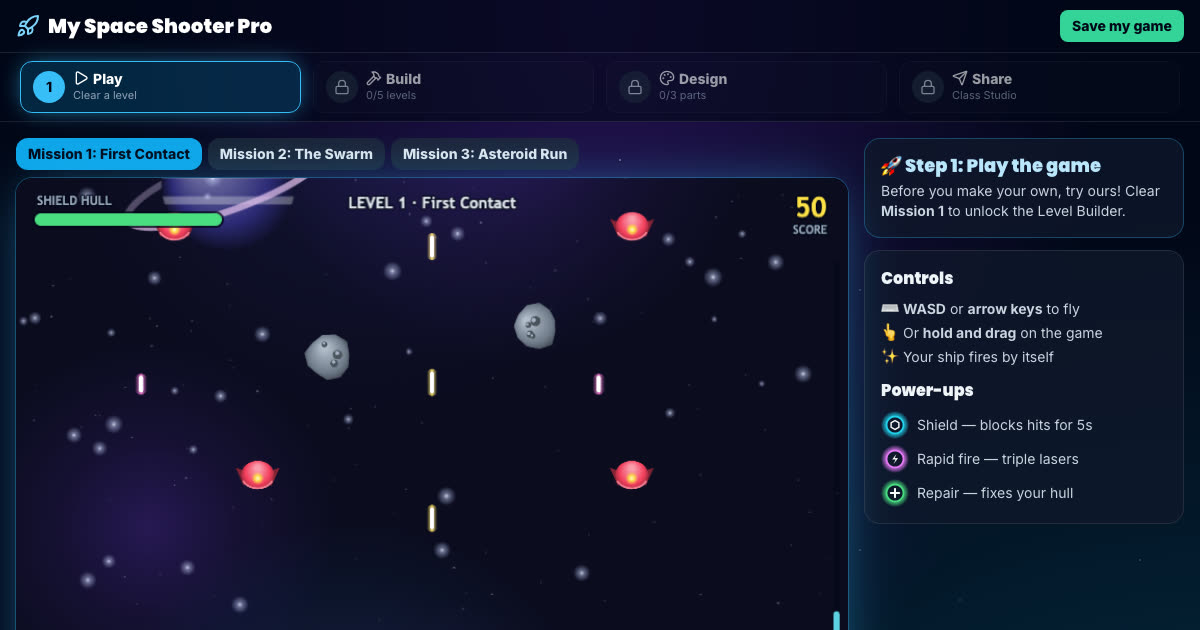
Space Shooter Builder
Fly the mission, then build your own enemy waves and power-ups.
Ages 7–11, Key Stage 2
More free game builders (platform, Snake and runner games) are on the make your own game page.
How to help with Year 6 computing at home
Ask what happens when you type a web address
Year 6 can explain it: the browser looks up the address with DNS, sends a request to a server and builds the page from what comes back. Ask your child to talk you through it.
A good result is not proof of a good decision
The analyst course ends on this idea: a share that went up does not prove the reason for buying it was sound. It is a useful conversation about luck and evidence.
Get ready for Year 7
Secondary computing starts with text-based programming and binary. Binary Blitz is a free head start, and the portfolio is a record of what your child has made.
All six Year 6 courses, and every other year
The membership includes every course on this page and the other five years, so your child can go back over something or move ahead when they are ready.
- 36 coding courses, six for each year from Year 1 to Year 6
- A live online lesson with a teacher, Wednesdays 5–6pm UK time
- Daily Maths & English practice
- A parent dashboard showing what your child has done
£15 a month, up to two children
7 days free, then £15 a month for up to two children (£7.50 a month for each extra child). Card needed; cancel any time.