
Year 3 computing: what your child learns
Year 3 is the start of Key Stage 2, and computing gets more ambitious. Children aged 7 and 8 work with real code for the first time to draw and animate pictures, make programs decide things with if and else, use variables to keep score, find out how the internet moves a message round the world, sort data with yes/no questions and debug a game that is broken.
The free games need no account. The full platform is £15 a month for up to two children after 7 days free.
The six Year 3 coding courses
Each course is a set of short, step-by-step lessons your child works through at their own pace. This is what each one covers.
1.Build Programs Step by Step
Work in real JavaScript (p5.js): draw shapes, mix colours, place things on a coordinate grid, then make them move in a full animated scene.
- Sequence
- Coordinates
- Variables
- Animation loops
The 6 lessons
- Meet the Canvas and Shapes
- Colours and Style
- Position and Size
- Build a Full Scene
- Make Things Move
- Create a Mini Animated World
2.Teach Your Program to Think
Make programs react to clicks, check where the mouse is, keep a running score and choose between outcomes with if and else, ending in a mini-game.
- Selection (if/else)
- Events
- Variables
The 6 lessons
- Click → Reaction
- Target Zone
- Score Keeper
- Make a Choice
- Things That Move
- Smart Mini Game
3.Control the Game
Fix the controls of a rocket, a maze and a bug catcher using keyboard input, speed variables, walls, collisions, scores and lives.
- Variables
- Input
- Collision
The 6 lessons
- Launch the Rocket
- Stay in Control
- Move Through the Maze
- Collect and Escape
- Catch the Bugs
- Control Two Systems
4.Explore How the Internet Works
Build a network, learn how the internet differs from the web, then follow an email as packets through IP addresses, DNS, routers and servers.
- Networks
- Packets
- IP addresses and DNS
- Servers
The 6 lessons
- Welcome to the Network
- The Internet Time Machine
- Addresses and Digital Directions
- Journey of an Email
- Build and Run a Server
- Operation Restore the Internet
5.Collect, Sort, and Show
Escape a locked data facility with Debug Duck: store records, group them by attributes, build a branching set of yes/no questions and debug it.
- Data and records
- Attributes
- Branching databases
The 6 lessons
- Evidence Intake
- Classification Wing
- Question Gate Lab
- Route Engine
- Corruption Core
- The Final Escape
6.Break It, Fix It, Make It Better
Repair one platform game piece by piece, from controls and coordinates to score and lives, test it, improve it and save a personal version.
- Debugging
- Testing
- Improving a program
The 6 lessons
- Something's Broken
- Fix the World
- Fix the Score
- Fix the Challenge
- Make It Better
- Debugger Challenge
Words your child will meet in Year 3
If your child comes home using these words, this is what they mean.
- Code
- Instructions written in a programming language. Year 3 works in real JavaScript.
- Coordinates
- Two numbers, x and y, that say exactly where something sits on the screen.
- Variable
- A named box that holds a value which can change, such as a score or a speed.
- If / else
- A decision: if something is true, do this; otherwise, do that.
- Packet
- A small piece of a message. The internet splits messages into packets and joins them up again.
- DNS
- The internet's address book: it turns a name like a website address into the number computers use.
- Branching database
- Data sorted by yes/no questions, like a game of twenty questions.
What the National Curriculum asks for
England's computing curriculum is written for each key stage, not each year. Year 3 is in Key Stage 2 (Years 3 to 6), and each school decides what to teach in which year, so your child's class may cover these topics in a different order. The Year 3 courses above support these statements:
- “Design, write and debug programs that accomplish specific goals, including controlling or simulating physical systems; solve problems by decomposing them into smaller parts”
- “Use sequence, selection, and repetition in programs; work with variables and various forms of input and output”
- “Use logical reasoning to explain how some simple algorithms work and to detect and correct errors in algorithms and programs”
- “Understand computer networks, including the internet; how they can provide multiple services, such as the World Wide Web, and the opportunities they offer for communication and collaboration”
- “Select, use and combine a variety of software (including internet services) on a range of digital devices to design and create a range of programs, systems and content that accomplish given goals, including collecting, analysing, evaluating and presenting data and information”
Free to try now, no account
These free games practise ideas from Year 3. They run in the browser with nothing to install.
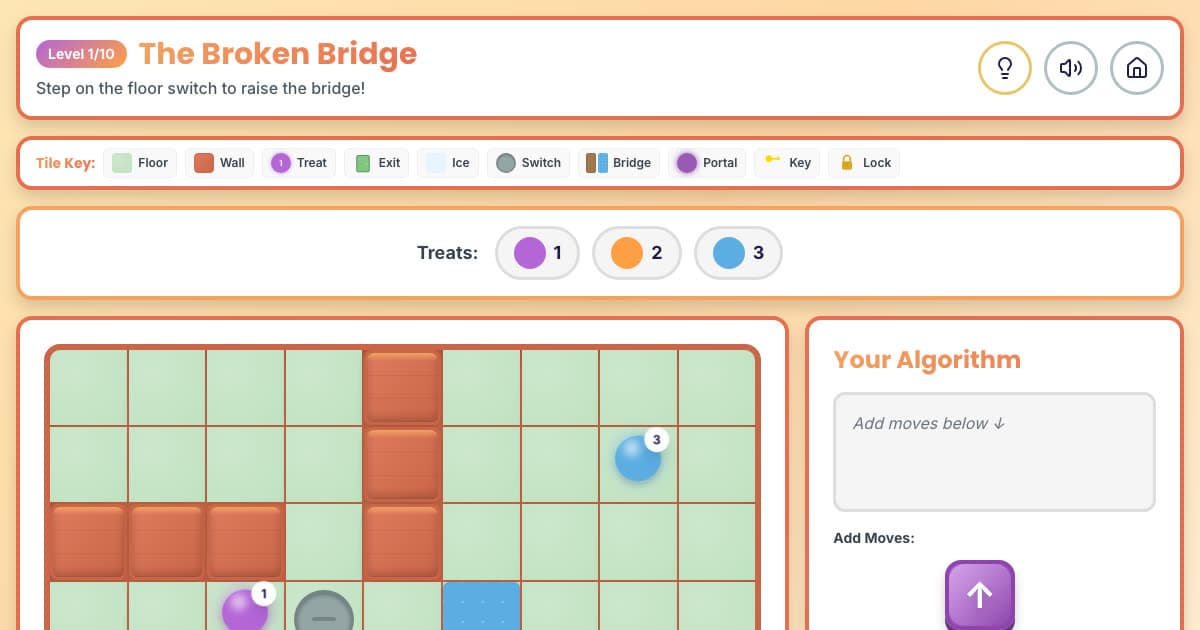
🌀 Maze Muncher
Ten mazes with switches, bridges, ice and teleporters to code through.
Ages 6–8
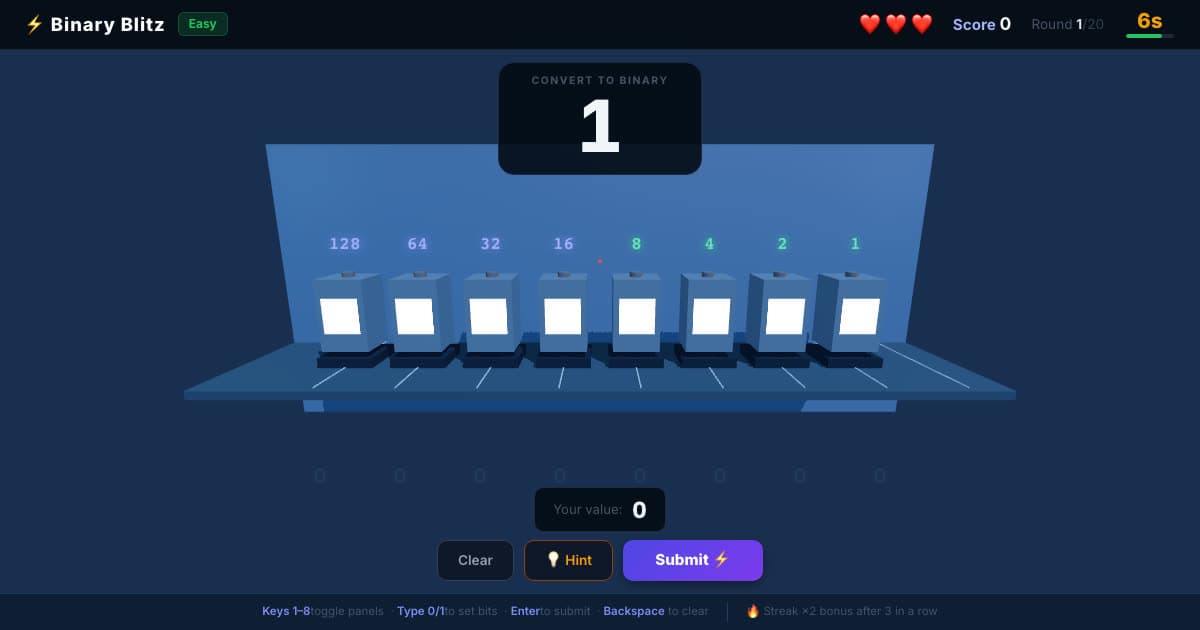
💡 Binary Blitz
Flip switches worth 128 to 1 to build each number in binary.
Ages 8–12
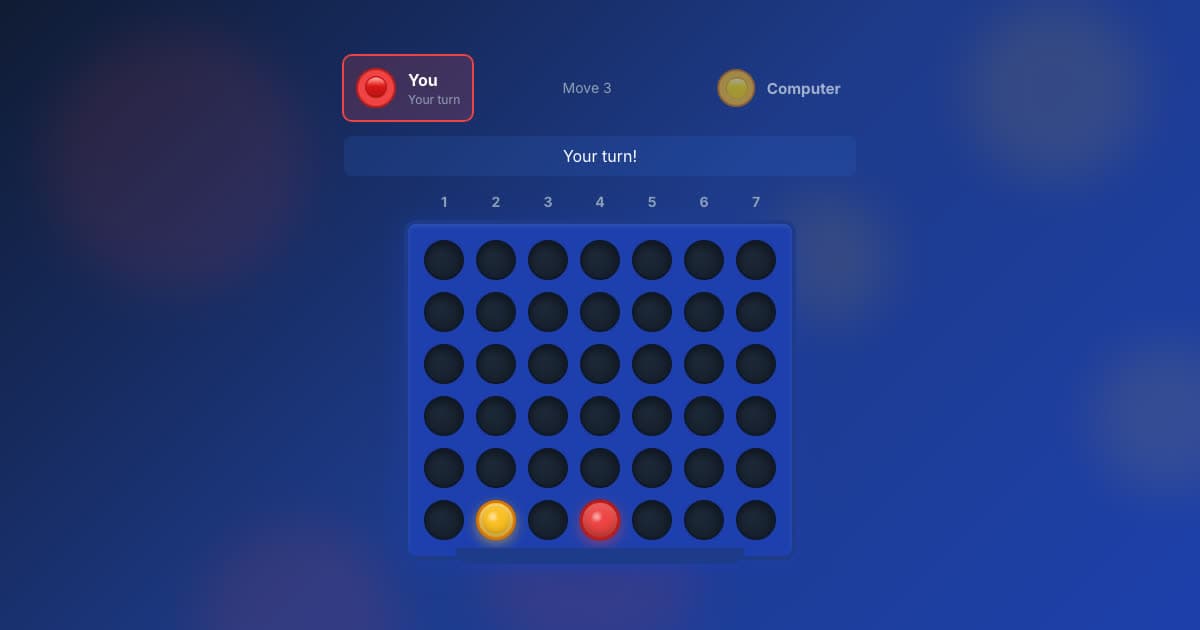
🔴 Four in a Row
Line up four before the computer does, at five levels.
Ages 7–12
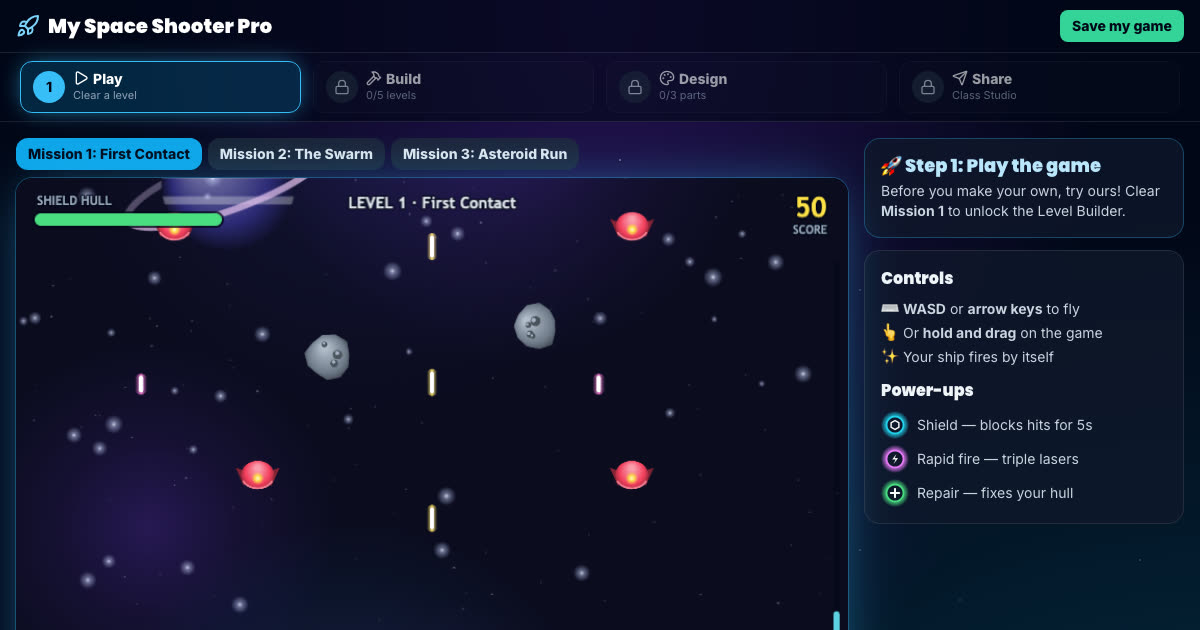
Space Shooter Builder
Fly the mission, then build your own enemy waves and power-ups.
Ages 7–11, Key Stage 2
More free game builders (platform, Snake and runner games) are on the make your own game page.
How to help with Year 3 computing at home
Ask for one change
When your child shows you their code, ask them to change one number and tell you what will happen first. In Year 3 a number is often a position, a size or a colour.
Internet or web?
Ask your child to explain the difference between the internet and the World Wide Web. If they can, they have understood one of the trickiest Year 3 ideas.
Play twenty questions
Guessing an animal with yes/no questions is a branching database. Ask which question splits the animals most evenly.
All six Year 3 courses, and every other year
The membership includes every course on this page and the other five years, so your child can go back over something or move ahead when they are ready.
- 36 coding courses, six for each year from Year 1 to Year 6
- A live online lesson with a teacher, Wednesdays 5–6pm UK time
- Daily Maths & English practice
- A parent dashboard showing what your child has done
£15 a month, up to two children
7 days free, then £15 a month for up to two children (£7.50 a month for each extra child). Card needed; cancel any time.