
Year 2 computing: what your child learns
In Year 2, children aged 6 and 7 build on Year 1. They debug programs that do the wrong thing, use repeat loops to do more with fewer instructions, find out what is inside a computer and a phone, make an animation frame by frame and build a first web page. Online safety moves on to passwords, thinking before clicking and checking whether something is true.
Year 1 and Year 2 coding lessons can be tried with no account. The full platform is £15 a month for up to two children after 7 days free.
The six Year 2 coding courses
Each course is a set of short, step-by-step lessons your child works through at their own pace. This is what each one covers.
1.Fix the Code
A robot's instructions are broken: run it, watch it fail, then fix the order, the wrong command and the wasted steps, and finally build a puzzle of your own.
- Debugging
- Efficient instructions
The 6 lessons
- Fix the Robot's Movement
- Fix the Order
- Fix the Logic
- Fix the Pattern
- Fix It Faster
- Fix & Build Your Own
2.Make It Repeat
Program an ice cream machine, a baker, a dancer and a pixel artist, and discover why a repeat makes code shorter, up to repeats inside repeats.
- Loops (repeat)
- Nested repeats
The 6 lessons
- The Ice Cream Machine
- The Robot Baker
- The Dance Floor
- The Garden Planter
- The Pixel Artist
- The Repeat Champion
3.Explore the Machine
Step into a 3D workshop to learn the parts inside a computer and a phone, power them on, then build and test a robot.
- Hardware
- How the parts connect
The 6 lessons
- Inside the Computer
- Power It On
- Inside the Phone
- Make the Phone Work
- Build the Robot Body
- Test the Robot
4.Build Your Animation
Learn how still pictures turn into movement, put frames in order, use onion skin for smooth motion and plan a story with a beginning, middle and end.
- Frames
- Sequence
- Storytelling
The 6 lessons
- What Is an Animation?
- Frames and Sequences
- Characters and Props
- Make It Move Smoothly
- Plan Your Own Story
- Finish and Share It
5.Build Your First Animal Website
Name a website, choose its colours, add facts, a photo gallery with captions and a special message about a favourite animal.
- Web pages
- Organising content
The 6 lessons
- My First Animal Webpage!
- Meet My Favourite Animal!
- Amazing Animal Facts!
- Animal Photo Gallery!
- Home, Food and Why I Love It!
- My Complete Animal Website!
6.Stay Smart Online & AI Aware
Protect private information with practice passwords, pause before clicking, decide who should know what, check claims and pictures, and use AI as a tool that can be wrong.
- Passwords
- Checking before believing
- AI awareness
The 6 lessons
- Protect Your Secrets
- Think Before You Click
- Who Should Know?
- Can You Believe It?
- Meet AI
- Digital Guardian
Words your child will meet in Year 2
If your child comes home using these words, this is what they mean.
- Loop (repeat)
- An instruction that does the same steps again, so you do not have to write them out each time.
- Nested repeat
- A repeat inside another repeat, such as repeating a row to fill a whole grid.
- Efficient
- Getting the same result with fewer, smarter steps.
- Frame
- One still picture in an animation. Many frames shown quickly look like movement.
- Hardware
- The parts of a computer you can touch: screen, keyboard, battery, chip.
- Web page
- A page you can open in a web browser, made of words, pictures and links.
What the National Curriculum asks for
England's computing curriculum is written for each key stage, not each year. Year 2 is in Key Stage 1 (Years 1 and 2), and each school decides what to teach in which year, so your child's class may cover these topics in a different order. The Year 2 courses above support these statements:
- “Create and debug simple programs”
- “Understand what algorithms are; how they are implemented as programs on digital devices; and that programs execute by following precise and unambiguous instructions”
- “Use logical reasoning to predict the behaviour of simple programs”
- “Use technology purposefully to create, organise, store, manipulate and retrieve digital content”
- “Recognise common uses of information technology beyond school”
- “Use technology safely and respectfully, keeping personal information private; identify where to go for help and support when they have concerns about content or contact on the internet or other online technologies”
Free to try now, no account
Year 2 coding lessons can be tried free on our Start Learning page, alongside these games.
Free Year 1 and Year 2 coding lessonsPick Year 2, then any course. No sign-up, no download.Start learning →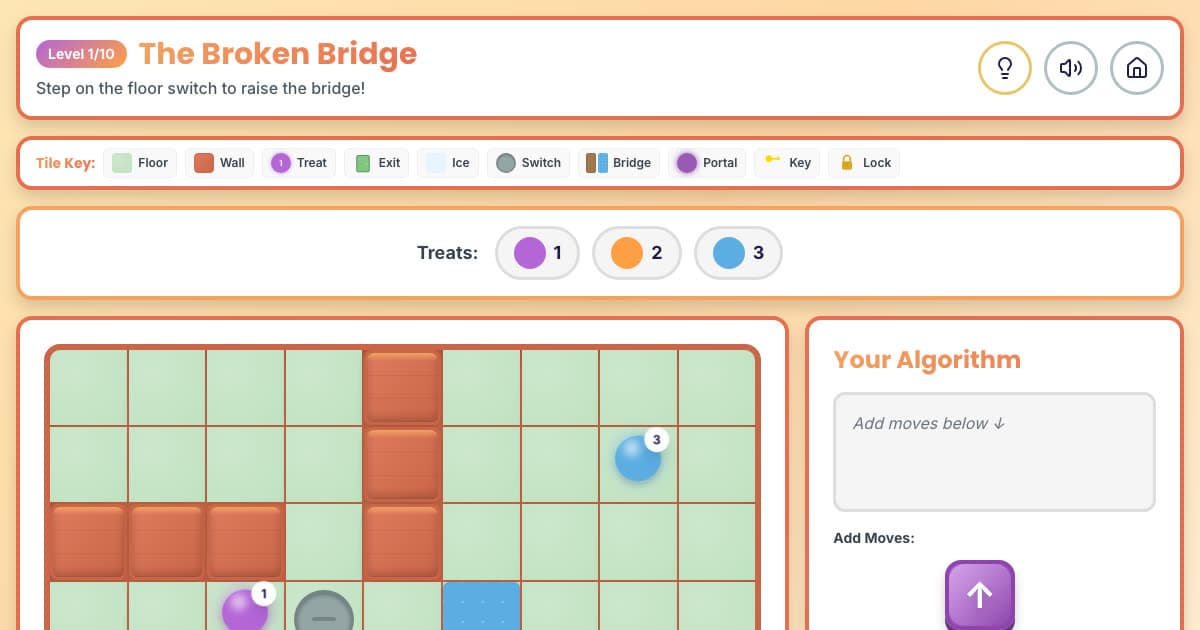
🌀 Maze Muncher
Ten mazes with switches, bridges, ice and teleporters to code through.
Ages 6–8
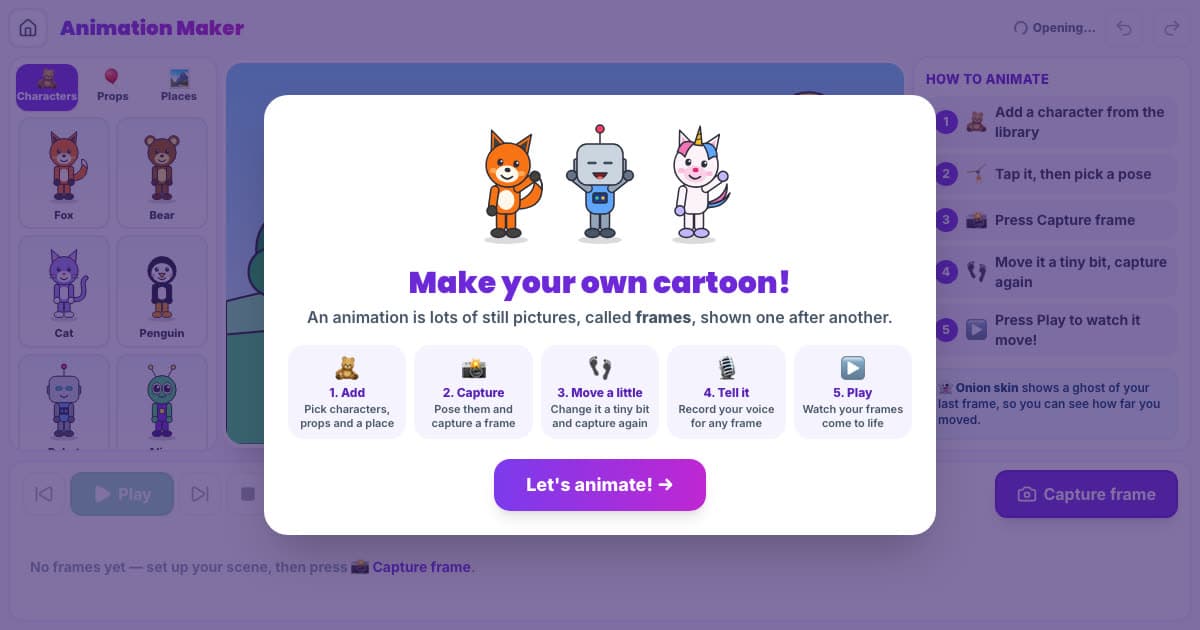
🎬 Animation Maker
Pose characters frame by frame and press Play to watch them move.
Ages 5–9
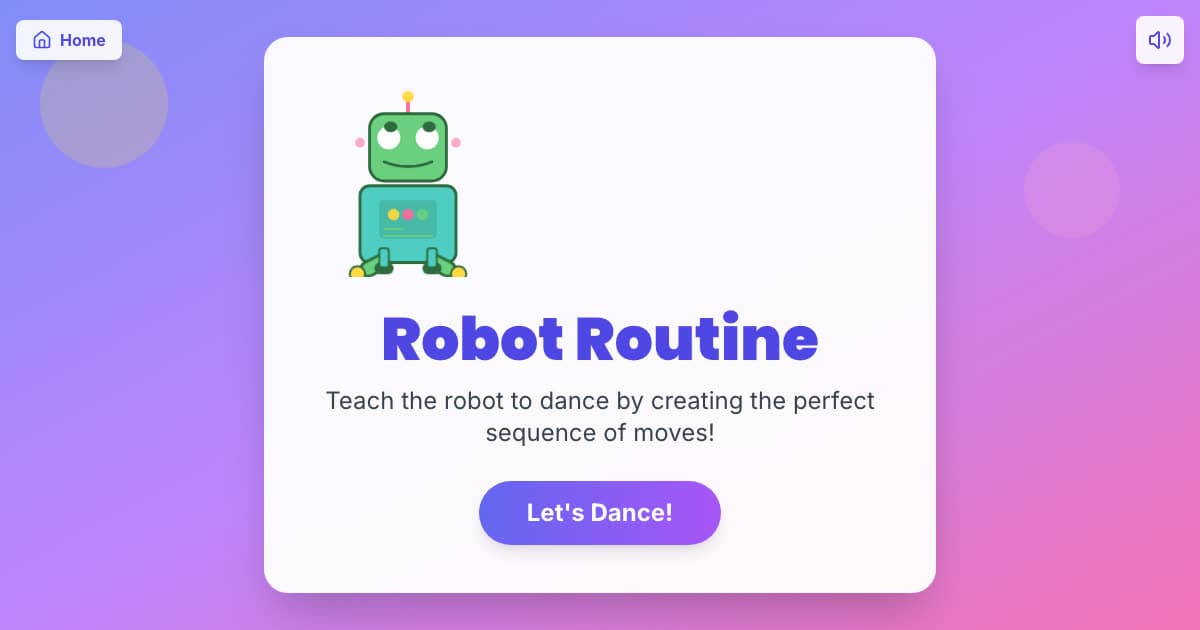
🤖 Robot Routine
Copy a dance pattern command by command; order matters.
Ages 5–7
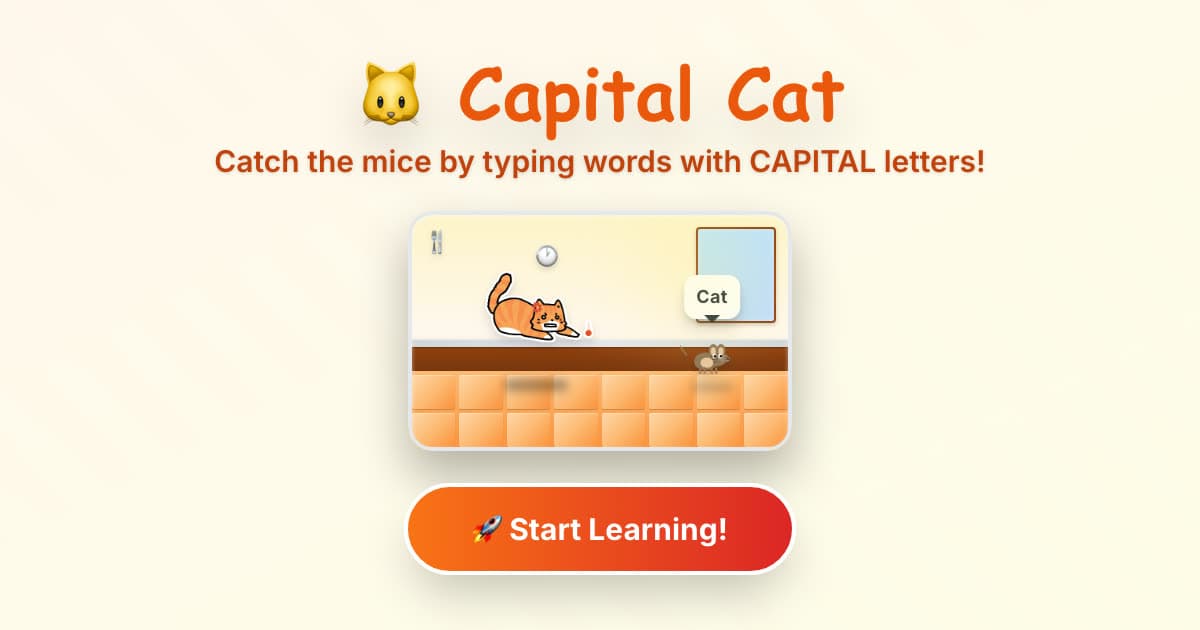
🐱 Capital Cat
Type words with capitals to catch mice: Shift, names and full stops.
Ages 6–9
How to help with Year 2 computing at home
Spot the repeats
Songs and dances are full of loops: “clap, clap, stamp” three times is a repeat of three. Ask your child to write a routine with a repeat in it and perform it.
Name the parts
Look at a laptop or phone together and name the parts you can see from the outside: screen, buttons, charging port, speaker, camera. Year 2 learns that phones are computers too.
Ask: can we believe it?
When a surprising picture or claim turns up, check it together somewhere else before believing or sharing it. That is the Year 2 habit.
All six Year 2 courses, and every other year
The membership includes every course on this page and the other five years, so your child can go back over something or move ahead when they are ready.
- 36 coding courses, six for each year from Year 1 to Year 6
- A live online lesson with a teacher, Wednesdays 5–6pm UK time
- Daily Maths & English practice
- A parent dashboard showing what your child has done
£15 a month, up to two children
7 days free, then £15 a month for up to two children (£7.50 a month for each extra child). Card needed; cancel any time.