
Year 4 computing: what your child learns
In Year 4, children aged 8 and 9 write smarter code. They use functions so they do not repeat themselves, learn that computers store everything in binary, build a spreadsheet with formulas, make their own game from scratch, find out what happens inside a computer when it runs, build a website in HTML and CSS, and learn to spot a fake message or profile before acting on it.
The free games need no account. The full platform is £15 a month for up to two children after 7 days free.
The six Year 4 coding courses
Each course is a set of short, step-by-step lessons your child works through at their own pace. This is what each one covers.
1.Write Smarter Code
Build a space game step by step: move a rocket, add a gem and a score with your own functions, win and lose rules, an asteroid and a starry background made with a loop.
- Functions
- Collision
- If statements
- Loops
The 6 lessons
- Make It Move
- Add a Gem
- Win and Lose
- Add an Asteroid
- Add the Stars
- Build Your Best Space Game
2.Store and Use Data
Learn binary with on/off switches, sort file types, use a practice email system safely, then build a battle-card spreadsheet with SUM and formulas.
- Binary
- File types
- Spreadsheets and formulas
The 6 lessons
- Binary Beast Codes
- File Type Factory
- Email Mission Control
- Hackamon Card Spreadsheet
- Battle Formula Lab
- Data Decision Challenge
3.Build the Game
Plan and build a clicker game: a score variable, an upgrade shop with conditions, automatic points with timers, milestones and a final publish.
- Variables
- Events
- Conditionals
- Repetition
The 6 lessons
- Design Your Clicker Game
- Variables and Points
- Build the Upgrade Shop
- Automatic Progress and Repetition
- Milestones, Rewards and Game Balance
- Polish, Publish and Play
4.See Under the Hood
Climb inside the machine: input, processing and output, binary, files, the operating system, saving progress to a server, and diagnosing faults.
- Input, process, output
- Operating systems
- Storage
The 6 lessons
- Follow the Signal
- Power the Binary Reactor
- Enter the File Foundry
- Run the Control Deck
- Reach Save Server
- Repair the Whole Machine
5.Web Dev Lite
Build one website that grows lesson by lesson in HTML and CSS: layout, colours and fonts, images, a favourites list and a navigation bar.
- HTML tags
- CSS styling
- Links
The 8 lessons
- Choose Your Website Idea
- Build Your Homepage Layout
- Add Colour & Fonts
- Add an Image Section
- Build a Favourites Section
- Navigation & Links
- Polish & Personalise
- Final Website Showcase
6.Spot the Fake
A 3D adventure with Kernal Kangaroo: copied profiles, impersonation, pressure tricks, lookalike links and AI fakes, and how to check through a trusted route before acting.
- Phishing
- Impersonation
- Verifying a source
The 6 lessons
- Profiles Aren't Proof
- The Copycat Contact
- Pressure Tricks
- The Lookalike Link
- The AI Mask
- The Impostor Network
Words your child will meet in Year 4
If your child comes home using these words, this is what they mean.
- Function
- A named set of instructions you can use again and again by calling its name.
- Binary
- Counting with only 0 and 1. Every number, picture and sound in a computer is stored this way.
- Formula
- A calculation in a spreadsheet, such as SUM, that updates when the numbers change.
- Operating system
- The software that shares the computer between all the programs running on it.
- HTML and CSS
- HTML says what is on a web page; CSS says how it looks.
- Phishing
- A fake message that tries to trick you into clicking a link or giving information away.
What the National Curriculum asks for
England's computing curriculum is written for each key stage, not each year. Year 4 is in Key Stage 2 (Years 3 to 6), and each school decides what to teach in which year, so your child's class may cover these topics in a different order. The Year 4 courses above support these statements:
- “Design, write and debug programs that accomplish specific goals, including controlling or simulating physical systems; solve problems by decomposing them into smaller parts”
- “Use sequence, selection, and repetition in programs; work with variables and various forms of input and output”
- “Use logical reasoning to explain how some simple algorithms work and to detect and correct errors in algorithms and programs”
- “Select, use and combine a variety of software (including internet services) on a range of digital devices to design and create a range of programs, systems and content that accomplish given goals, including collecting, analysing, evaluating and presenting data and information”
- “Use technology safely, respectfully and responsibly; recognise acceptable/unacceptable behaviour; identify a range of ways to report concerns about content and contact”
Free to try now, no account
These free games practise ideas from Year 4. They run in the browser with nothing to install.
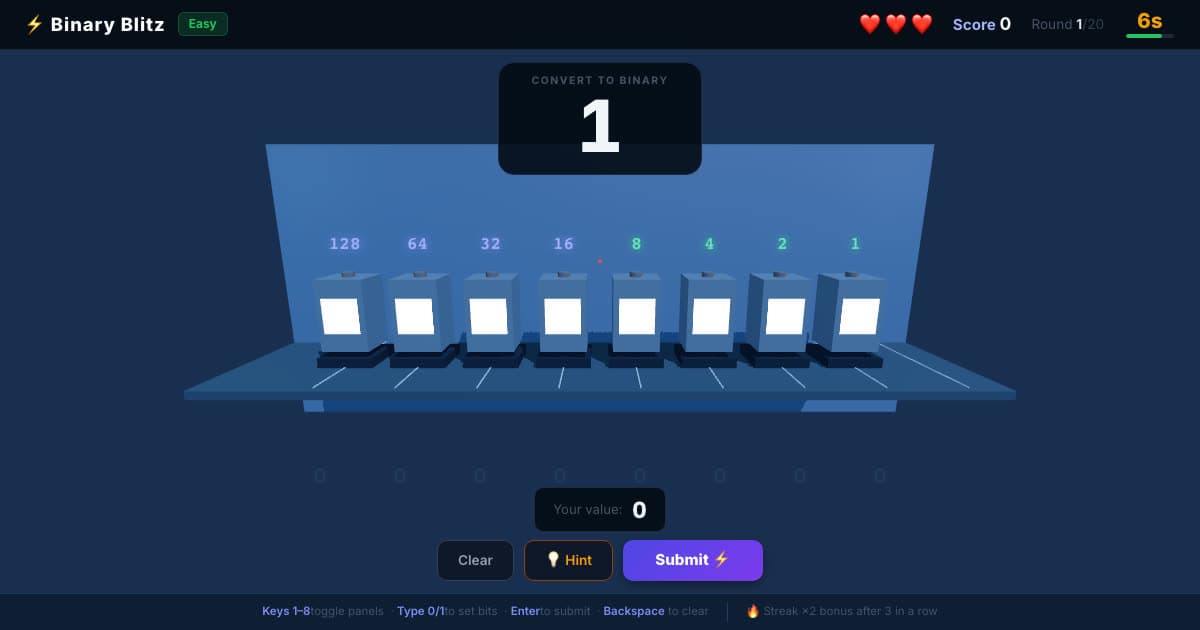
💡 Binary Blitz
Flip switches worth 128 to 1 to build each number in binary.
Ages 8–12
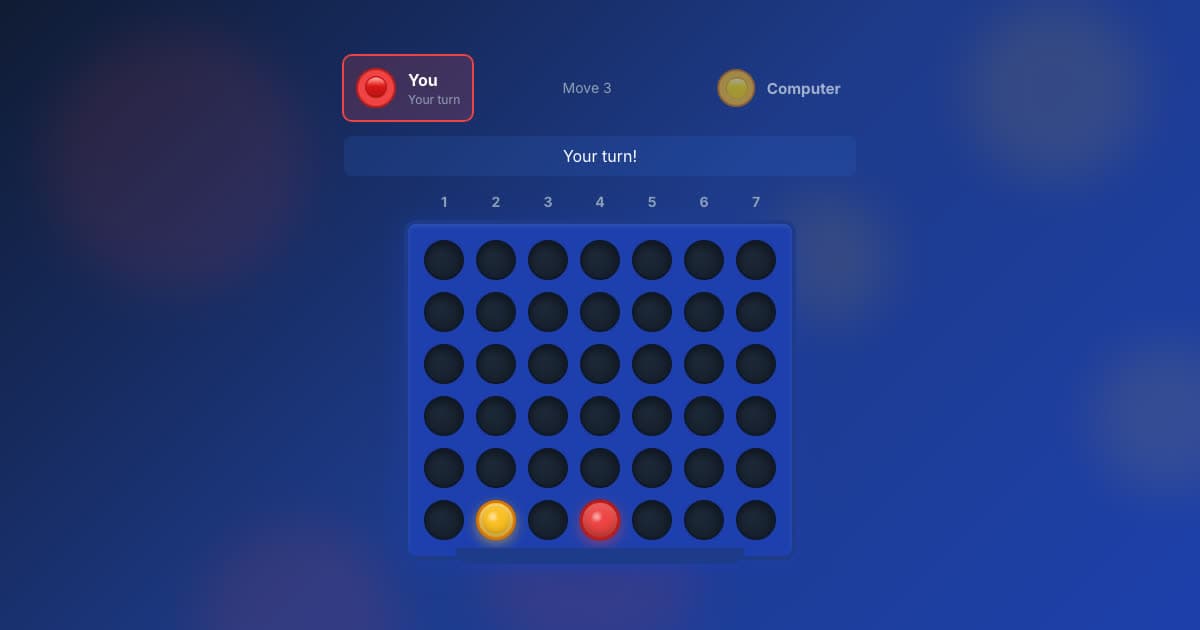
🔴 Four in a Row
Line up four before the computer does, at five levels.
Ages 7–12
♟️ Chess
Play the computer at five levels, from Beginner to Expert.
Ages 7–12
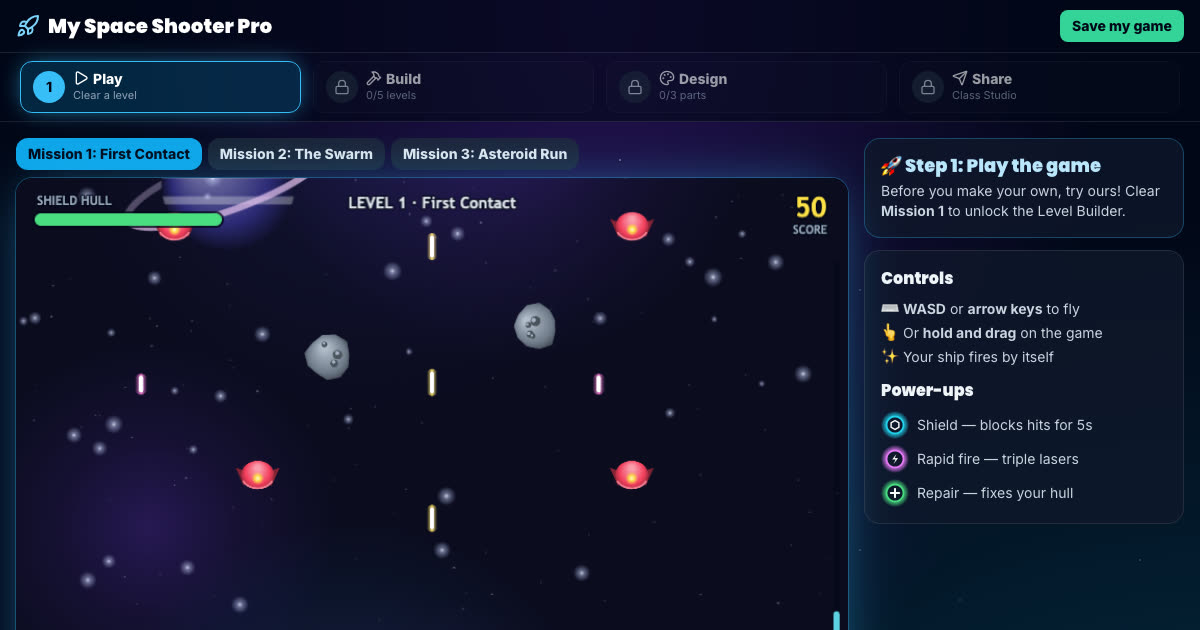
Space Shooter Builder
Fly the mission, then build your own enemy waves and power-ups.
Ages 7–11, Key Stage 2
More free game builders (platform, Snake and runner games) are on the make your own game page.
How to help with Year 4 computing at home
Count in binary on your fingers
Give each finger a value, 1, 2, 4, 8 and 16, and make numbers by raising fingers. One hand counts to 31. Binary Blitz is the same idea with eight switches.
Make a family check rule
Year 4 learns that a message which rushes you is a warning sign. Agree a rule: if a message says hurry, check with a grown-up another way first.
Plan a game on paper
Before building, ask your child to write the rules of their game as a list: what earns a point, what loses a life, how you win. That list is the algorithm.
All six Year 4 courses, and every other year
The membership includes every course on this page and the other five years, so your child can go back over something or move ahead when they are ready.
- 36 coding courses, six for each year from Year 1 to Year 6
- A live online lesson with a teacher, Wednesdays 5–6pm UK time
- Daily Maths & English practice
- A parent dashboard showing what your child has done
£15 a month, up to two children
7 days free, then £15 a month for up to two children (£7.50 a month for each extra child). Card needed; cancel any time.