
Year 5 computing: what your child learns
In Year 5, children aged 9 and 10 write real Python and JavaScript. They build a text adventure in Python, change a 3D racing game with real code, find out how a search engine crawls, indexes and ranks the web, use code to sort and chart data honestly, learn to judge whether a website can be trusted, and build a 3D robot in JavaScript.
The free games need no account. The full platform is £15 a month for up to two children after 7 days free.
The six Year 5 coding courses
Each course is a set of short, step-by-step lessons your child works through at their own pace. This is what each one covers.
1.Write Real Code
Build a Python dungeon game: variables and f-strings, input and if/elif/else, score and health, while and for loops, random numbers and functions.
- Python syntax
- Selection
- Loops
- Functions
The 6 lessons
- Variables and Output
- Input and Decisions
- Score and Game State
- Loops and Repetition
- Smarter Logic and Debugging
- Final Build and Polish
2.Level Up Your Game
Change a 3D kart racer with real code: sky and track, the kart, speed and steering, laps and timers, fix a real bug, then remix the whole game.
- Variables
- Reading code
- Debugging
The 6 lessons
- Meet the 3D Racing World
- Build and Shape the Track
- Create and Customise the Kart
- Control Speed, Movement and Direction
- Add Race Logic, Timers and Laps
- Final Remix: Build Your Own Racing Game
3.Systems & Search Rescue
Six missions with CryptoCat: trace information through computer systems, choose better search terms, rebuild a search index, rank results and spot sponsored results and filter bubbles.
- Systems
- Web crawlers and indexes
- Ranking
The 6 lessons
- Reboot the Control Pod
- Save the Aquarium
- Search Portal
- Crawler Dash
- Rank Arena
- Defeat Glitch
4.Use Data to Tell Stories
Run a Python data newsroom: clean records, filter them with AND and OR, total and average with loops and functions, then make honest charts.
- Databases
- Filtering
- Averages
- Charts
The 6 lessons
- Build the Newsroom Database
- Question the City with Code
- Calculate the Evidence
- Code Honest Charts
- Tell a True Data Story
- Live Newsroom Challenge
5.Question Everything Online
Investigate five well-known hoax and parody websites, check purpose, address, images, adverts, author and date, then edit a page safely to see why looks are not proof.
- Evaluating sources
- HTML and CSS
- Evidence
The 6 lessons
- All About Explorers
- The DHMO Investigation
- The Dog Island Case
- The HighTechScience Archive
- Feline Reactions to Bearded Men
- Page Remix Lab
6.Launch Your Big Build
Build one 3D robot in JavaScript and Three.js: its parts, its world, keyboard movement and buttons that run its actions, tested and saved.
- 3D coordinates
- Events
- Testing
The 6 lessons
- Enter the 3D World
- Build the Robot
- Design the World
- Make It Move
- Bring It to Life
- Launch Your Big Build
Words your child will meet in Year 5
If your child comes home using these words, this is what they mean.
- Python
- A programming language written as text. Year 5 uses it for a game and for data.
- Syntax
- The spelling and punctuation rules of a programming language.
- While loop
- Repeats while something stays true, such as while the player still has health.
- Web crawler
- A program that follows links from page to page so a search engine knows what exists.
- Index
- The search engine's organised list of pages, so it can answer a search quickly.
- Filter bubble
- When results are chosen to match what you already like, so you see fewer other views.
What the National Curriculum asks for
England's computing curriculum is written for each key stage, not each year. Year 5 is in Key Stage 2 (Years 3 to 6), and each school decides what to teach in which year, so your child's class may cover these topics in a different order. The Year 5 courses above support these statements:
- “Design, write and debug programs that accomplish specific goals, including controlling or simulating physical systems; solve problems by decomposing them into smaller parts”
- “Use sequence, selection, and repetition in programs; work with variables and various forms of input and output”
- “Use logical reasoning to explain how some simple algorithms work and to detect and correct errors in algorithms and programs”
- “Use search technologies effectively, appreciate how results are selected and ranked, and be discerning in evaluating digital content”
- “Select, use and combine a variety of software (including internet services) on a range of digital devices to design and create a range of programs, systems and content that accomplish given goals, including collecting, analysing, evaluating and presenting data and information”
- “Use technology safely, respectfully and responsibly; recognise acceptable/unacceptable behaviour; identify a range of ways to report concerns about content and contact”
Free to try now, no account
These free games practise ideas from Year 5. They run in the browser with nothing to install.
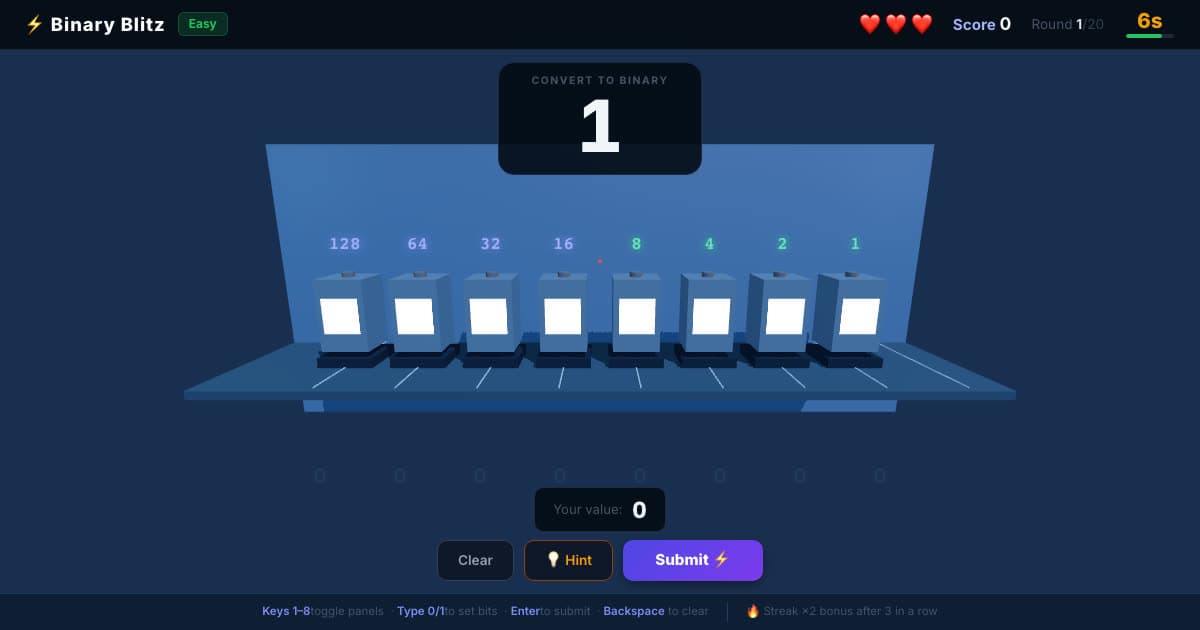
💡 Binary Blitz
Flip switches worth 128 to 1 to build each number in binary.
Ages 8–12
♟️ Chess
Play the computer at five levels, from Beginner to Expert.
Ages 7–12
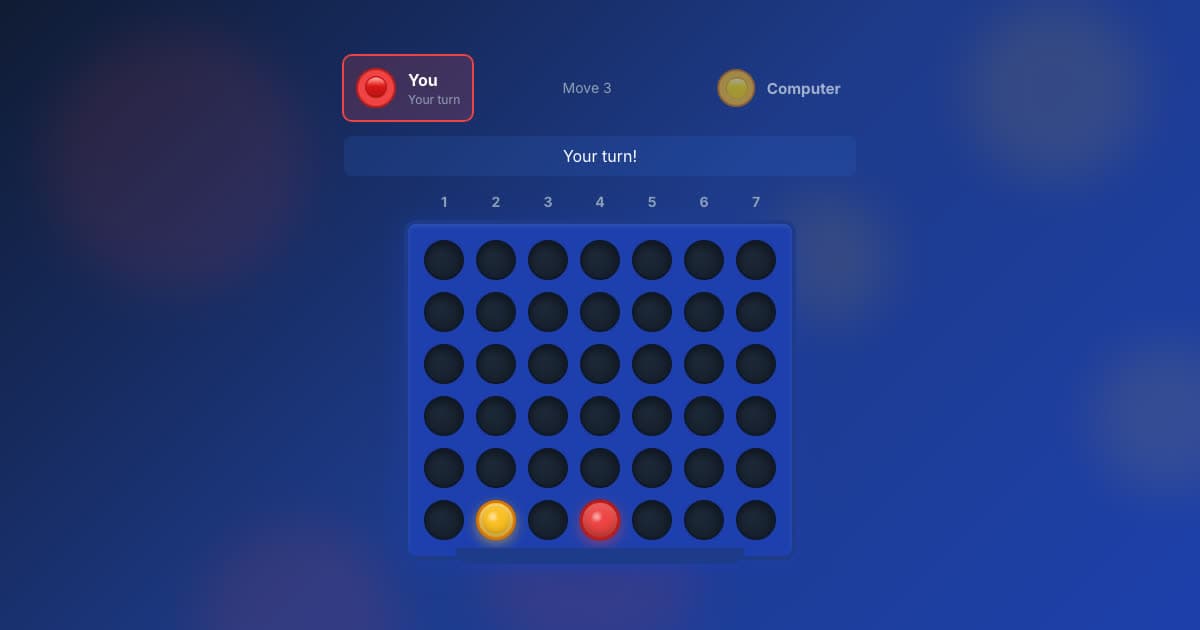
🔴 Four in a Row
Line up four before the computer does, at five levels.
Ages 7–12
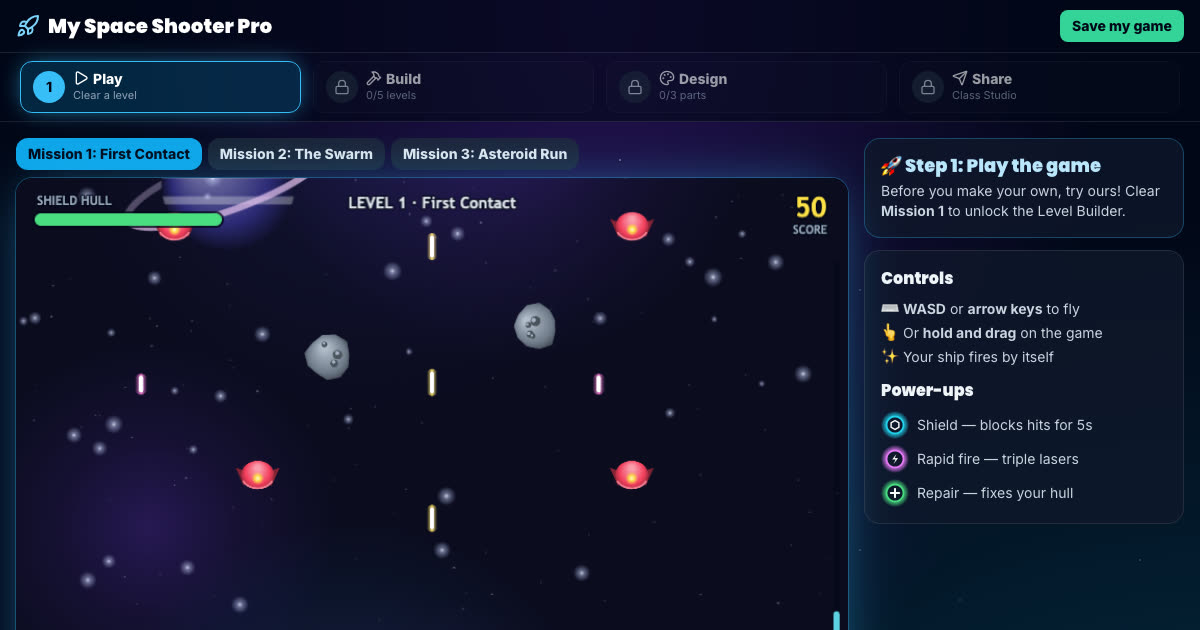
Space Shooter Builder
Fly the mission, then build your own enemy waves and power-ups.
Ages 7–11, Key Stage 2
More free game builders (platform, Snake and runner games) are on the make your own game page.
How to help with Year 5 computing at home
Search together, then ask why
Search for something your child is interested in and ask why the top result is at the top. Point out results marked Sponsored: that is a Year 5 lesson.
Read the error out loud
Python error messages usually say which line went wrong. When your child is stuck, ask them to read the message aloud and look at that line first.
Check a chart
When you see a chart in the news, ask whether the scale starts at zero. Year 5 learns that a chart can exaggerate without saying anything false.
All six Year 5 courses, and every other year
The membership includes every course on this page and the other five years, so your child can go back over something or move ahead when they are ready.
- 36 coding courses, six for each year from Year 1 to Year 6
- A live online lesson with a teacher, Wednesdays 5–6pm UK time
- Daily Maths & English practice
- A parent dashboard showing what your child has done
£15 a month, up to two children
7 days free, then £15 a month for up to two children (£7.50 a month for each extra child). Card needed; cancel any time.