Year 1 · Fix What's Broken
Robot repair lab
The robot's instructions are broken. Spot the wrong step, put steps back in order, add the missing one, then run it again.
6 lessons, 24 levels. No account needed.
Debugging means finding and fixing problems in our code. When a program does something we didn't expect, there is a bug in it. Good coders don't give up: they find the bug, fix it and test it again. Meet the Hack-O-Mon and become a bug hunter.
Free, no account, works on a tablet or whiteboard. Ages 5 to 11.
CryptoCat: Hang on! What happens when our instructions don't work the way we expected?
Debug Duck: The robot did exactly what it was told. But one of the instructions was wrong. That's called a bug!
Robot Hare: A bug? Like a creepy-crawly?
Debug Duck: Not that kind of bug! A bug is a mistake in a computer program, that makes it do something we didn't expect.
Debug Duck: An algorithm is a step-by-step set of instructions for completing a task or solving a problem.
Debug Duck: A bug can be a wrong instruction,
Debug Duck: a missing instruction,
Debug Duck: or instructions in the wrong order.
Kernal Kangaroo: Did you know a real insect once caused a computer problem?
Kernal Kangaroo: In 1947, a team working with Grace Hopper was running a giant computer, called the Harvard Mark II.
Kernal Kangaroo: When the computer started going wrong, the team searched inside the machine,
Kernal Kangaroo: and stuck in one of its switches, they found a real moth!
Kernal Kangaroo: They taped it into their logbook, and wrote: First actual case of bug being found.
Kernal Kangaroo: People already called problems bugs. But this one really WAS a bug!
Debug Duck: Debugging means finding and fixing problems in our code.
CryptoCat: Find it! Fix it! Test it!
Debug Duck: Find it. Look carefully at each instruction, and spot where it goes wrong.
Debug Duck: Fix it. Change, remove, add or move the instruction that causes the problem.
Debug Duck: Test it. Run it again, to check it really works.
CryptoCat: Step two says turn left. But the robot needed to turn right!
CryptoCat: Fix it: turn right. Now, test it!
Robot Hare: Mission complete!
Hashtag Hare: Now let's debug a real game! Can you spot the bug?
Debug Duck: The robot needs to reach the green flag.
Debug Duck: Let's run the instructions, and watch.
Debug Duck: Can you spot the bug?
Debug Duck: Found it! Step four turns right, but the robot needed to turn left.
Debug Duck: Fix it, and test it again.
Debug Duck: It works!
CryptoCat: Your turn! This one has a bug too. Can you find it before I do?
CryptoCat: There it is!
Kernal Kangaroo: Fixing one bug can show you another. So you test again, and again, until it works!
CryptoCat: Remember: making mistakes is part of coding!
Debug Duck: A bug is a problem in a program.
Debug Duck: Debugging means finding it, and fixing it.
Debug Duck: And we test, to check our fix really works.
CryptoCat: Find it! Fix it! Test it!
Debug Duck: At U Teach Mi, you can practise algorithms and coding with real games!
Debug Duck: Put the steps in order, and press go. If it goes wrong, find the mistake and try again.
Debug Duck: Try the debugging games for free at U Teach Mi.
Debug Duck: These games are free to try. Your parents can register to unlock lots more lessons.
CryptoCat: Come and learn with us!
Hashtag Hare: See you at U Teach Mi!
A bug is a mistake or problem in a computer program that makes it do something we didn't expect. A computer follows every instruction exactly, even a wrong one. So if one step is wrong, the whole program can go wrong. Most bugs are one of these three kinds:
One step says the wrong thing, so the computer does the wrong thing.
Like being told “turn left” when the park is on the right.
A step has been left out, so the computer never does it.
Like a sandwich recipe that never says “open the jar”.
All the right steps are there, but they happen in the wrong order.
Like putting your shoes on before your socks.
Every bug hunter uses the same three steps.
Find it
Look carefully at each instruction, one at a time, and spot where it goes wrong.
Fix it
Change, remove, add or move the instruction that is causing the problem.
Test it
Run it again to check that it works now.
Fixing one bug can show you another one hiding behind it. That is normal. Just find it, fix it and test it again, until the program does what you planned.
The robot needs to reach the star without bumping into the box of books. The plan is: forward 2, turn right, forward 3, turn left, forward 1. But someone has made a mistake in the program.
Before: there is a bug
After: bug fixed
1. Find it
Go through the steps one by one. Step 1 is fine. Step 2 says turn left, but the star is to the right. That is the bug.
2. Fix it
Change step 2 to turn right. The other steps were already right, so they stay as they are.
3. Test it
Run it again. The robot goes forward 2, turns right, goes forward 3, turns left, goes forward 1 and lands on the star.
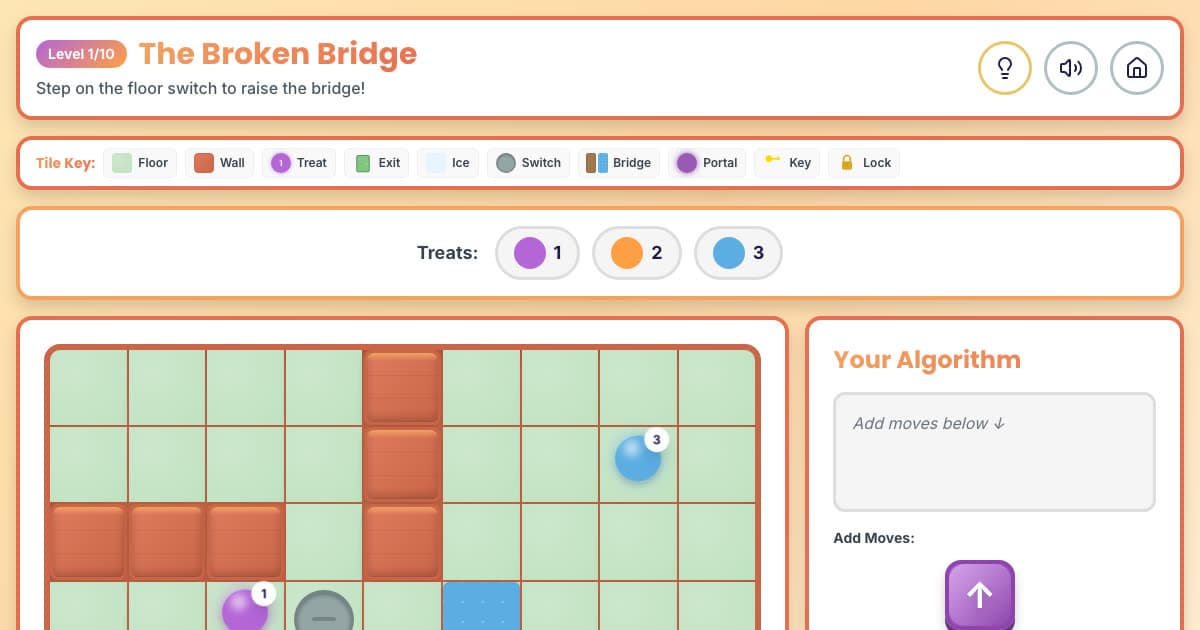
These are our real Year 1 and Year 2 debugging lessons. Every level starts with something broken. Run it, find the bug, fix it and test it again.
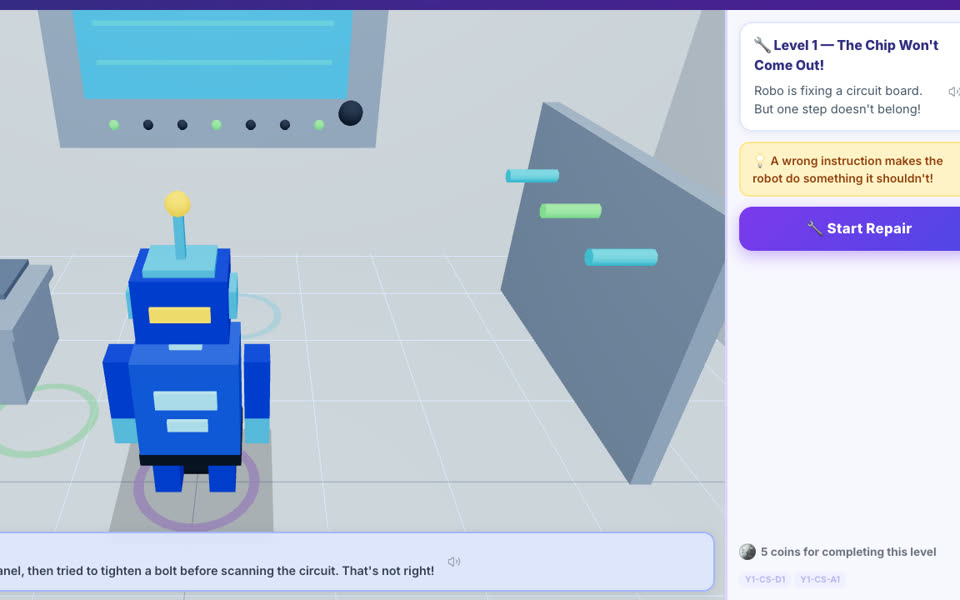
Year 1 · Fix What's Broken
The robot's instructions are broken. Spot the wrong step, put steps back in order, add the missing one, then run it again.
6 lessons, 24 levels. No account needed.
Year 2 · Fix the Code
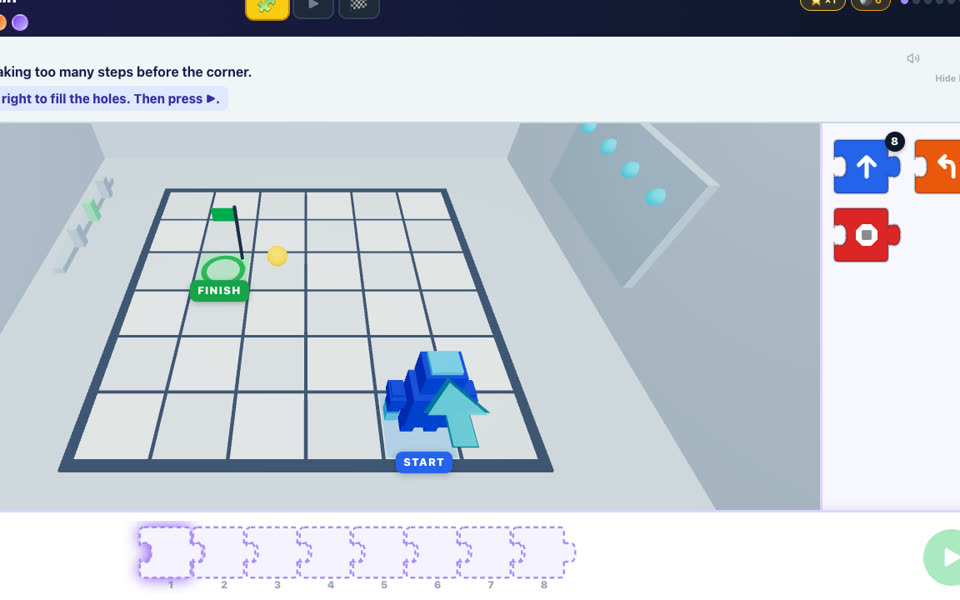
Each level starts with a program that goes wrong. Run it, watch where the robot goes off course, tap the bad piece out and the right one in.
6 lessons, 41 levels. No account needed.
Year 2 · Fix the Code
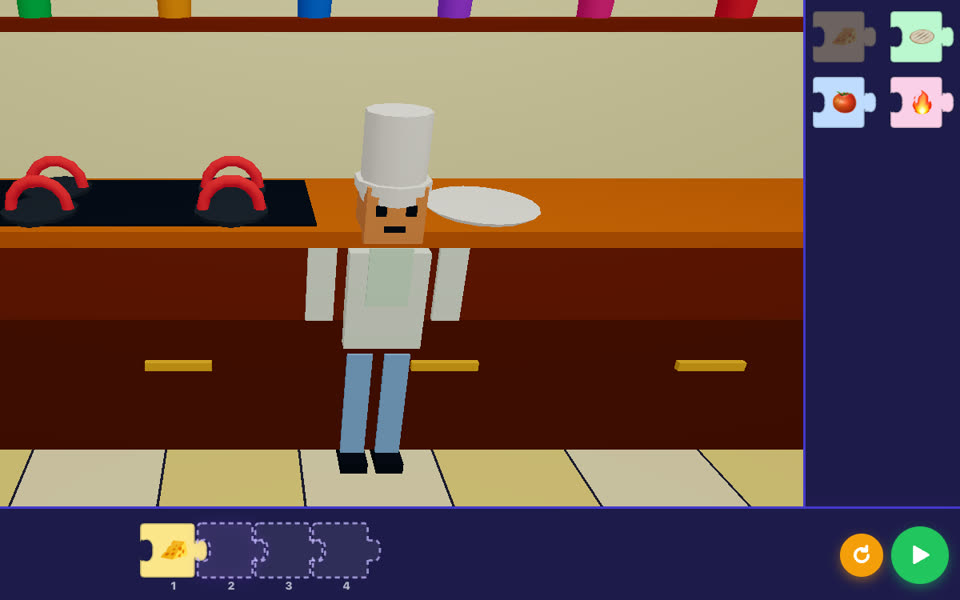
The customers' food keeps going wrong. Find the recipe step that is in the wrong place, extra or missing, and cook it again.
1 lesson, 4 levels. No account needed.
On 9 September 1947, the team running a giant computer called the Harvard Mark II found out why it was going wrong. A real moth was trapped inside it, in relay number 70 on panel F. A relay is a little switch, and the moth was stopping it from working.
They took the moth out and taped it into their logbook with a note: First actual case of bug being found.
They were making a joke, because engineers already called faults “bugs”. The inventor Thomas Edison was writing about bugs in his machines in the 1870s. So the moth did not invent the word, but it became the most famous bug ever.
Grace Hopper, a computer pioneer who worked with that team, loved telling the story and helped make it famous. The logbook page, with the moth still taped to it, is kept at the Smithsonian's National Museum of American History in the USA.
Debugging is in the computing curriculum from Key Stage 1. Children start by fixing short sequences of instructions, and in Key Stage 2 they debug real programs and explain how they found the mistake.
On U Teach Mi, children fix a robot's instructions in Year 1 (Fix What's Broken), debug robots and recipes in Year 2 (Fix the Code), and repair a whole platform game, from its controls to its score, in Year 3 (Break It, Fix It, Make It Better).
- “Create and debug simple programs”
- “Use logical reasoning to predict the behaviour of simple programs”
- “Design, write and debug programs that accomplish specific goals, including controlling or simulating physical systems; solve problems by decomposing them into smaller parts”
- “Use logical reasoning to explain how some simple algorithms work and to detect and correct errors in algorithms and programs”
The free lessons are the first step. With a family membership your child gets their own account, progress is saved and shown to you, and the courses carry on through every primary year, from fixing a robot's steps in Year 1 to debugging JavaScript and Python later on.
£15 a month, up to two children
7 days free, then £15 a month for up to two children (£7.50 a month for each extra child). Card needed; cancel any time.
Debugging means finding and fixing problems in our code. You look carefully at each instruction, find the one that goes wrong, fix it, then run the program again to check it works.
A bug is a mistake or problem in a computer program that makes it do something we didn't expect. Three common kinds are a wrong instruction, a missing instruction and instructions in the wrong order.
Engineers were already calling faults “bugs” long before computers: Thomas Edison wrote about bugs in his inventions in the 1870s. On 9 September 1947 the team running the Harvard Mark II computer found a real moth stuck in one of its parts and taped it into their logbook as the “first actual case of bug being found”. Grace Hopper, who worked with that team, helped make the story famous.
Use three words: find it, fix it, test it. Give them a short set of instructions with one mistake in it, such as directions across the room. Follow the steps exactly, let them spot the step that went wrong, change it and try again.
Yes. The Year 1 and Year 2 debugging lessons on this page, and the free coding games, can be played without an account. Progress is kept on the device you play on. A family membership saves it to your child's own account.
Yes. In England, Key Stage 1 pupils are taught to create and debug simple programs, and Key Stage 2 pupils to design, write and debug programs and to detect and correct errors in algorithms and programs.
An algorithm is the list of steps for doing a job. Debugging is what you do when those steps go wrong: you find the mistake in the algorithm or program and fix it.