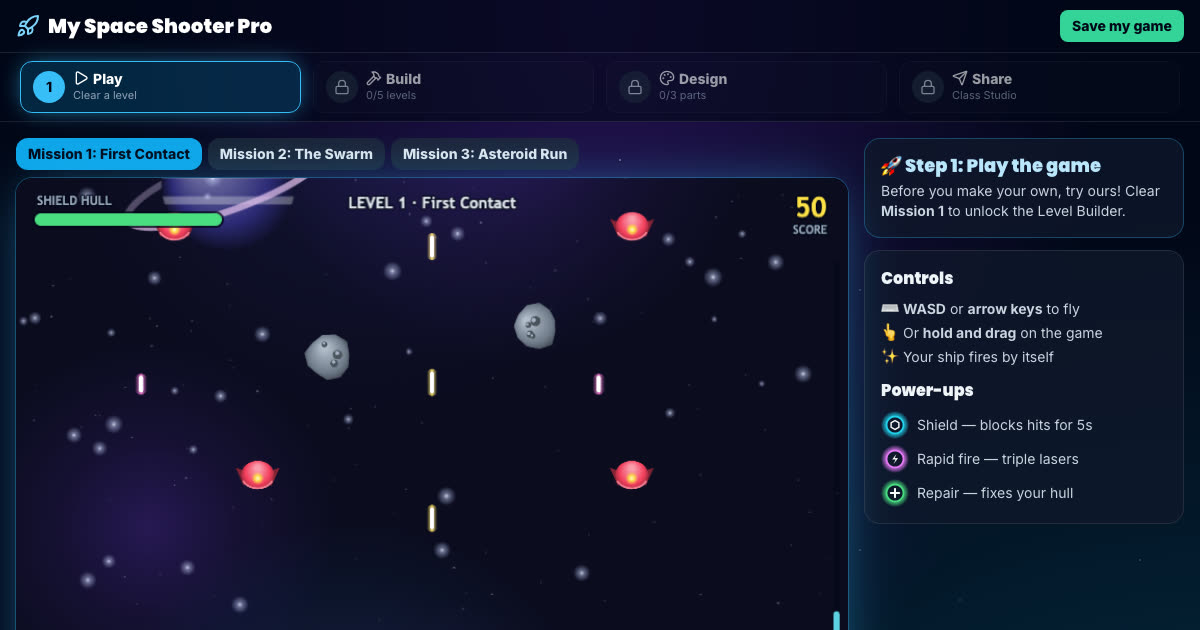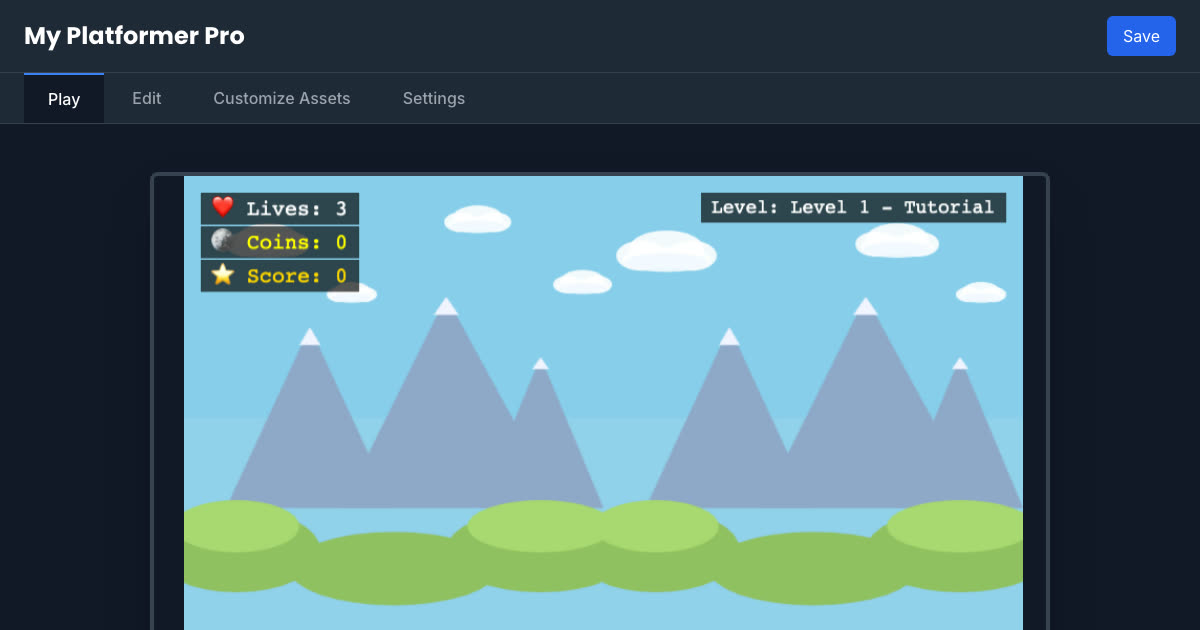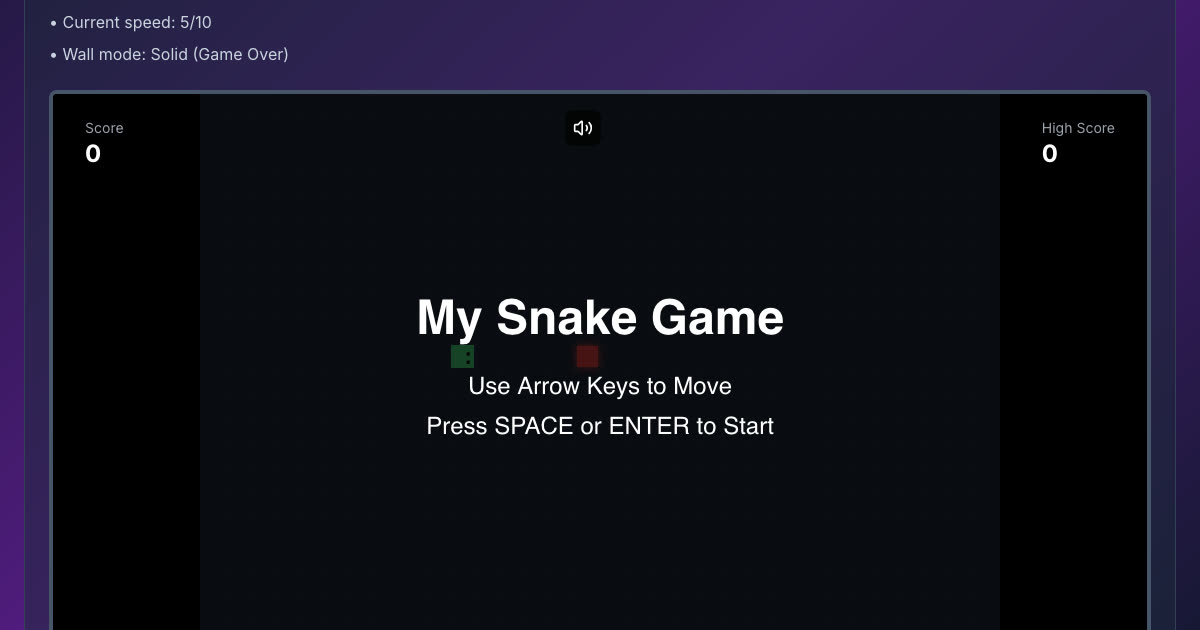
Tap to jump and dodge the spikes, then open the level editor and build your own course block by block. Play your level after every change to see if the jumps are possible and the timing feels right.
Ages
7–11
Price
Free
Account
Not needed
To save it
Free pupil account
Works in the browser on a computer or tablet. Your game is kept in this browser; a free pupil account (just a username) saves it and lets your child share it with their class.
How to make your game
- 1Press Play Game and tap or click to jump.
- 2Open the Level Editor and place blocks and spikes.
- 3Play your level, find the jump that is too hard, and fix it.
What your child practises
- Designing a level, testing it and fixing what does not work
- Timing and spacing: where a jump has to start to clear a spike
- Balancing difficulty so a level is hard but fair
A tip for parents and teachers
Ask your child to build a level you can finish on your third try, not your first or your tenth. Getting that balance right is real game design.